PELAGIC ZONE
Credits
Here is a list of resources I used when building this site. If you've wondered how I've done something, it's probably a modification of something on this list. For more involved endeavors, it may have an entry on my "devlog" (which, as a glorified train of thought rather than a formal tutorial, I cannot promise its usefuleness). If it's not on here, I probably hobbled myself through a w3schools tutorial.
Coding
- 11ty/Nunjucks Tutorial – How I created this site using a static site generator (SSG). This tutorial is an offshoot of the linked one, and provides a more detailed step by step. If you're interested in building a site with multiple pages of a standardized layout, highly recommend using a SSG, though it has a learning curve to figure out.
- Kalechips Layout Resources – This site, at its beginning, was a mashup of "Totally Tabular" and "Classless CSS" to start off. It's been heavily adapted since then, though some elements remain still. I admire this webmaster's dedication to accessibility and readability.
- Styleswitcher – Allows switching between different themes via dropdown menu.
- External Links – There's a few tutorials for this out there. This allows you to add an icon next to a link that leads offsite; here it is represented by an arrow.
- 11ty Blog Setup – This is how my newsletters are organized. This is a modified version of Zonelets that works with static site generators, and allows me to organize and automate organization of my newsletters.
- Ayano's Comment Widget – This is how my guestbook is set up, which normally does not work unless you are a Neocities supporter. PetraPixel has provided a tutorial for a version that uses iFrames for free Neocities users. I've also implemented Frills Comment Moderation and Loveberry's Admin Tag as further customization.
- Fritzi's Like Button – A "like" button on certain pages, such as newsletters and my art page so lurkers can give me a quiet head-nod. Some of Kaylee Rowena's modifications to this code to make it only clickable once are present.
- Biancarosa's Recently Played Widget – This is on my about page, and displays the most recently played song on my last.fm.
- FSLightbox – This is the Lightbox I use to make images larger on a click. Utopian Scrapbook has an easy tutorial for setup.
- A Little Light Lightbox – Present in my art gallery because it is lightweight and allows for customizable caption support. I might eventually transition to using this throughout my site.
- 11ty Global Data – There's a heap of documentation I could link here on this topic, but my friend Everett breaks it down the simplest on their site in my opinion. I use this for creating "metadata" JSON files to hold things like information about my art in my gallery.
Resources
- Footer Buttons – Specifically, the eBird and iNaturalist buttons.
- Dithermark – Dithering and reducing file size of newsletter photography.
- FontAwesome – Responsible for the icons you see decorating the site.
- Animal Crossing Upscaled Sprites – Used in my site button. There's a great page for fish sprites too!
- 88x31 Button Generator – Used to make a base for the site button.
- Ribozone Resources – Used for the "photo pile" effect on my journal page.
- PMD SpriteCollab – Used on my friend area page for Pokemon, I used Piskel to edit off of the provided spritesheets (and keyframe the animations myself to look like more realistic "idle" animations).
- Pinga – Image optimizer GUI, I use this for my photo and art galleries to compress images and have them load a little better.
- BIRME – While not used too much here, this site is great for bulk resizing images.
- PhotoPea – It's a browser-based Photoshop clone, enough said.
Old Layouts
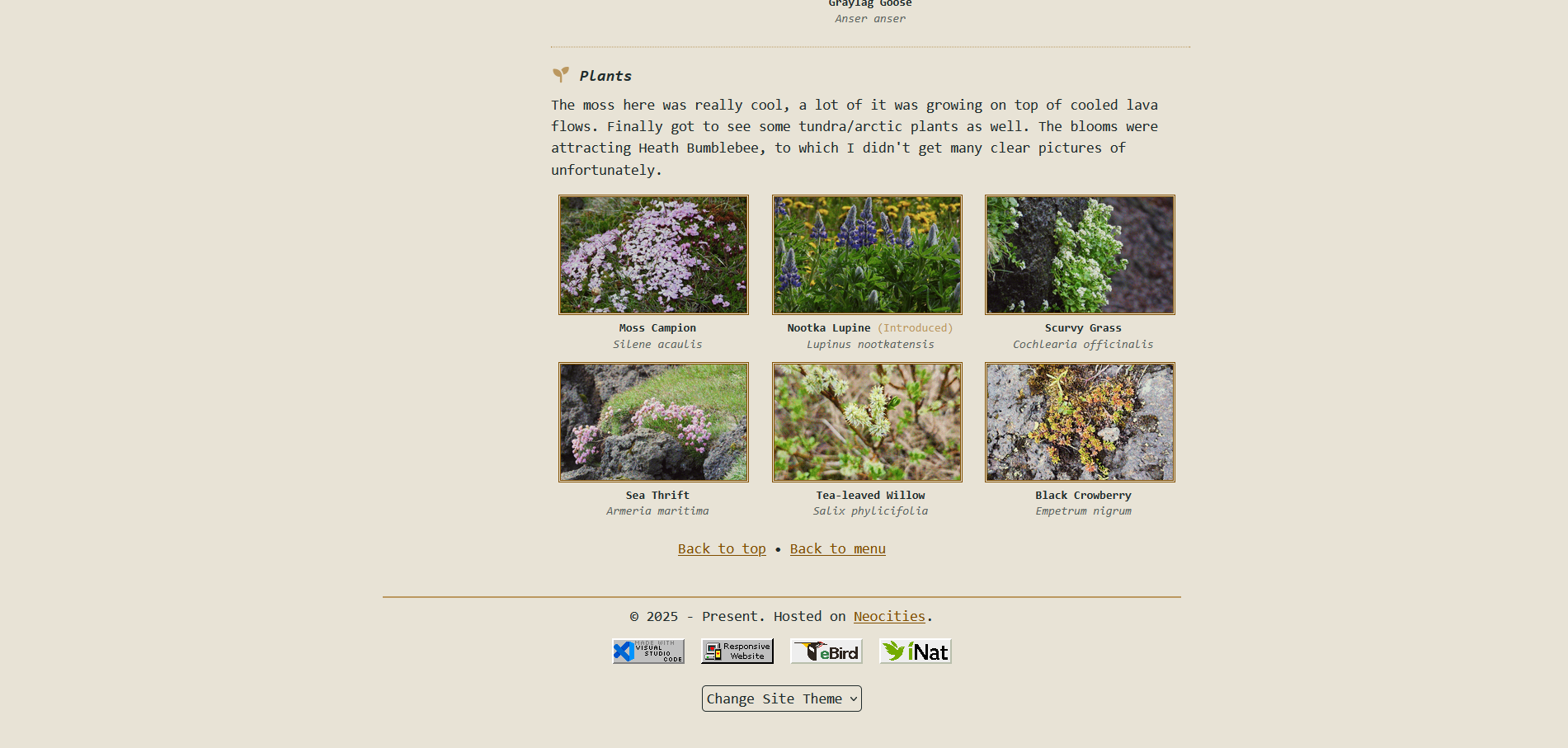
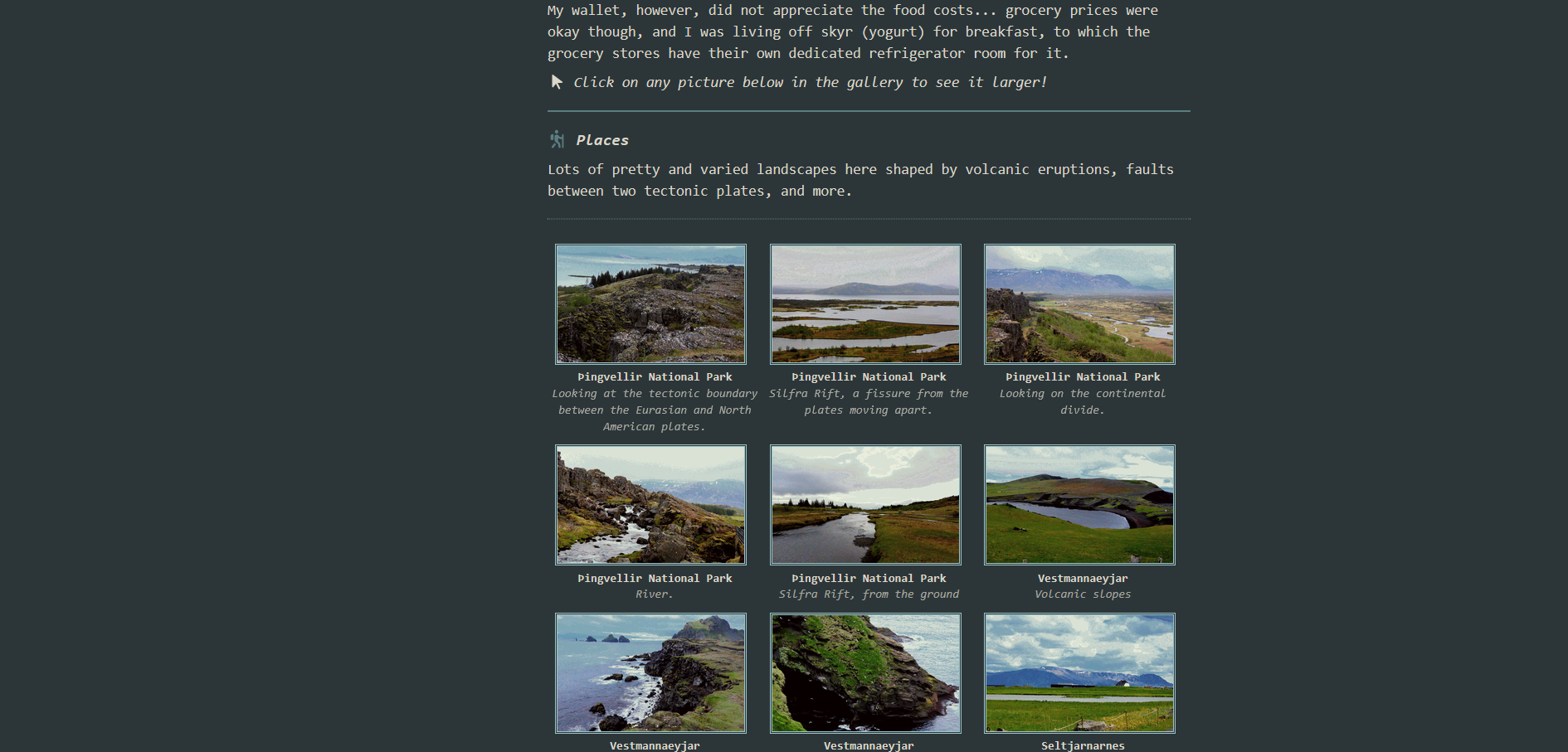
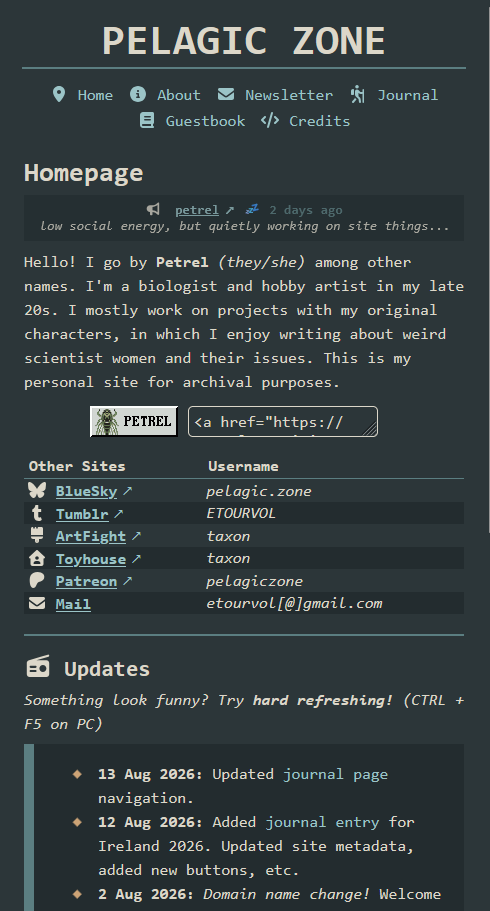
Here's a few screenshots of older iterations of the site.
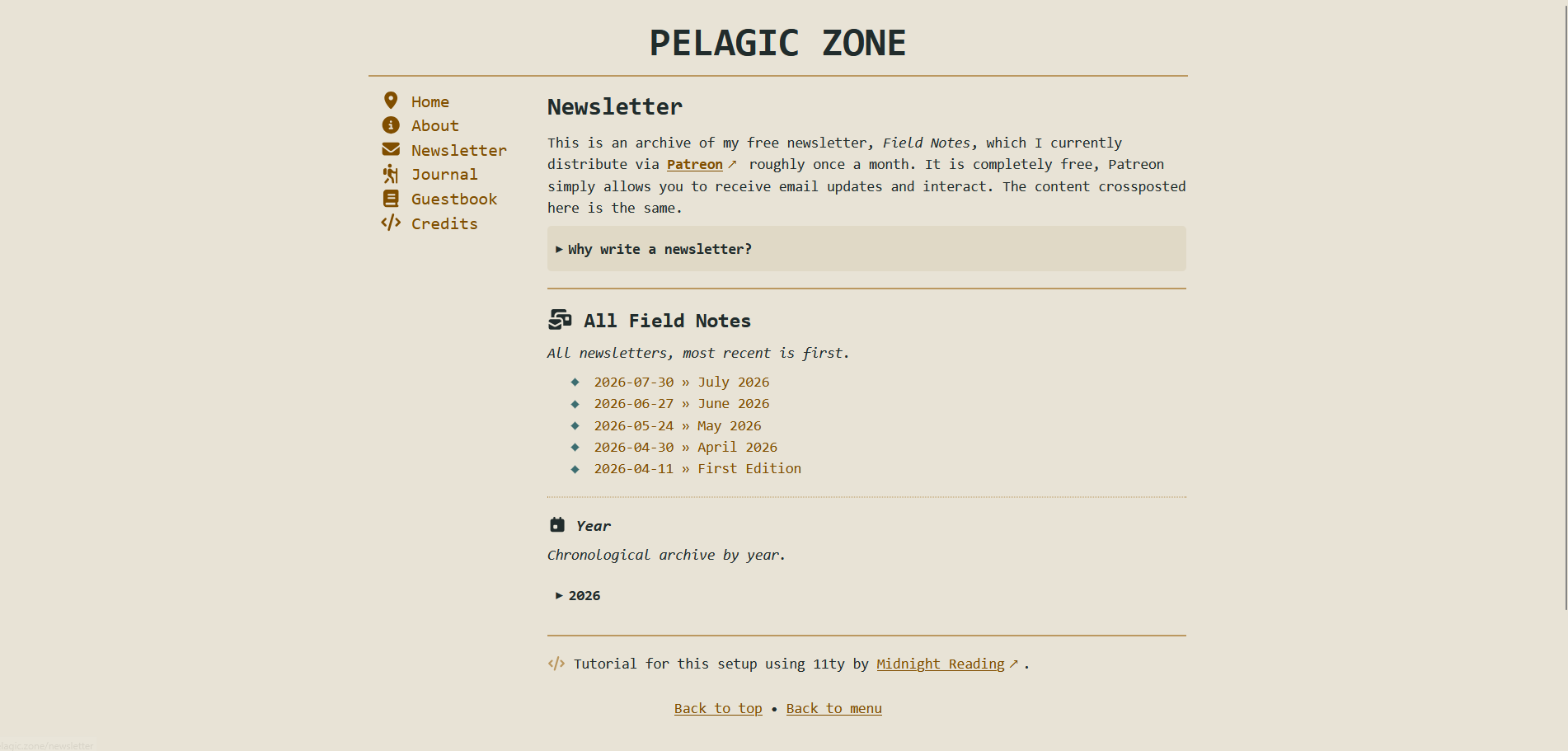
2026 - Version: Easy Reader
April 2026, site reboot. Huge redesign, but intentionally made minimalist and accessible. Really proud of this one, and carrying bits of it forward into current layouts. It has a few quirks, but I learned a lot making it. Mostly made for archiving newsletters (hence the "easy reader" motivation) but quickly spiralled out of control into a full project.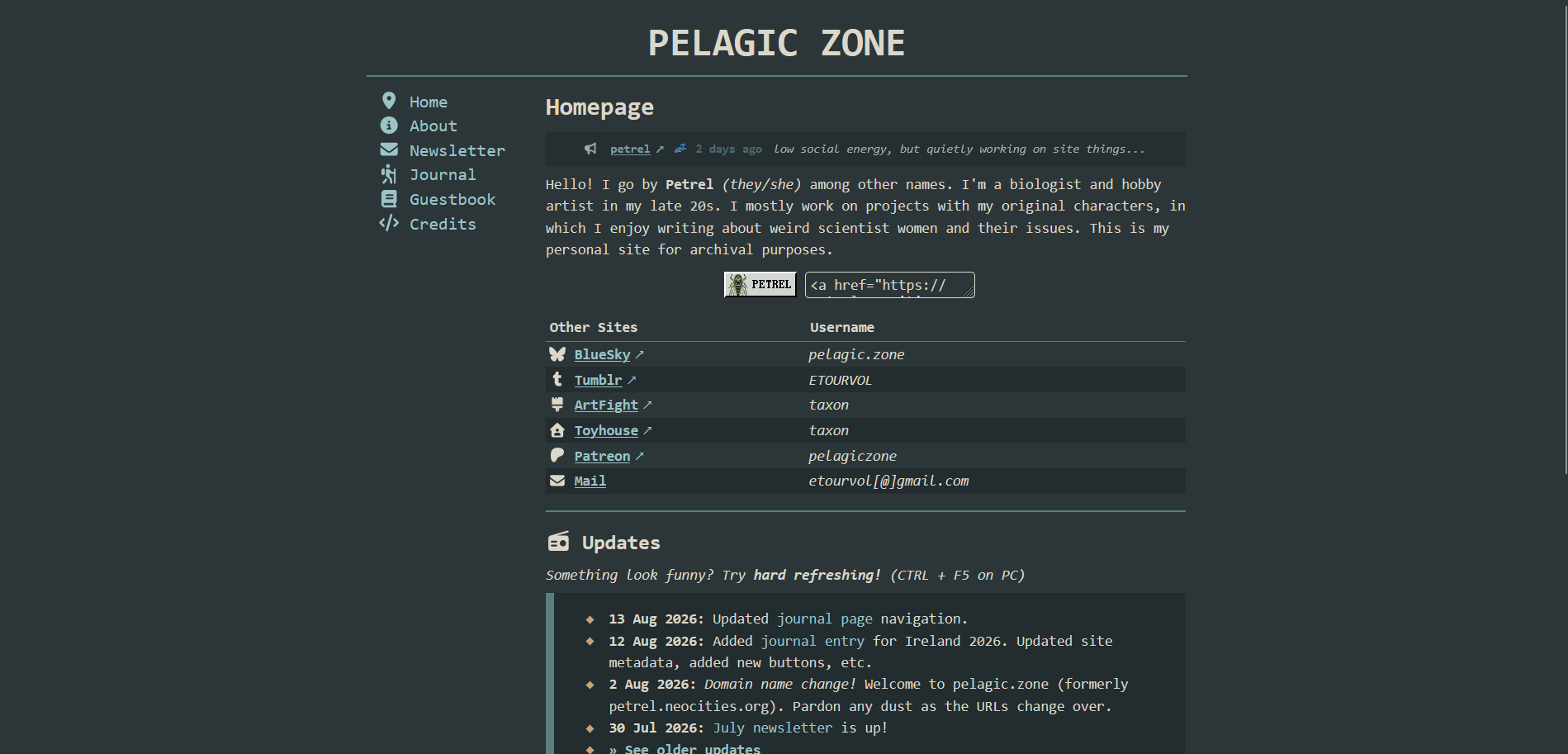
2024 - Version: Quagsire
It took me a bit to decide to overhaul the site after this, I had spent a lot of time making the layout from scratch! I still like how it looks, but there was a lot of messiness with how the sidebar collapsed, color themes, accessiblity, etc... I'd love to reincorporate some of these layout ideas into future layouts.


© 2025 - Present. Hosted on Neocities.

